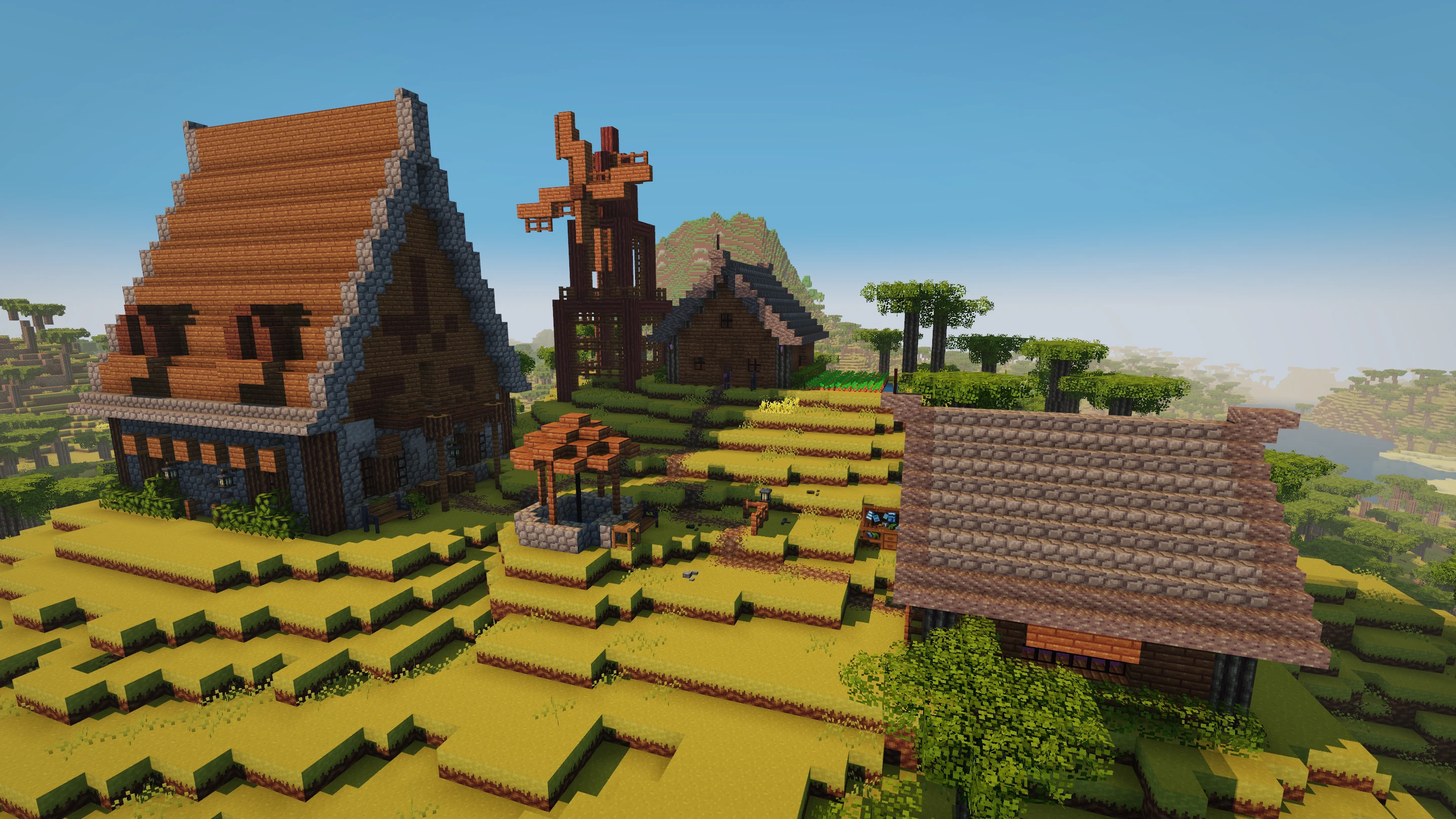
You finally have a roofline you like. Now you want a second house beside the first, or that same workshop across the river. The new building tools let you save a design and bring it with you. And when it’s time to turn the plan into a building, you’ll have help.
Keep the design. Find it a home.
A saved design remembers the blocks in your build. Choose it from your library and a ghost of the structure appears in the world. Move it into place and turn it around before committing. Does the doorway meet the path? Will the window face the river? You can see the whole shape before the first block goes down.
Creative mode gives you room to work out the design: fly around it, adjust a wall, undo a change, and save the version you want to keep. A house, a bridge, a little garden shed. It doesn’t have to be a castle to be worth saving.
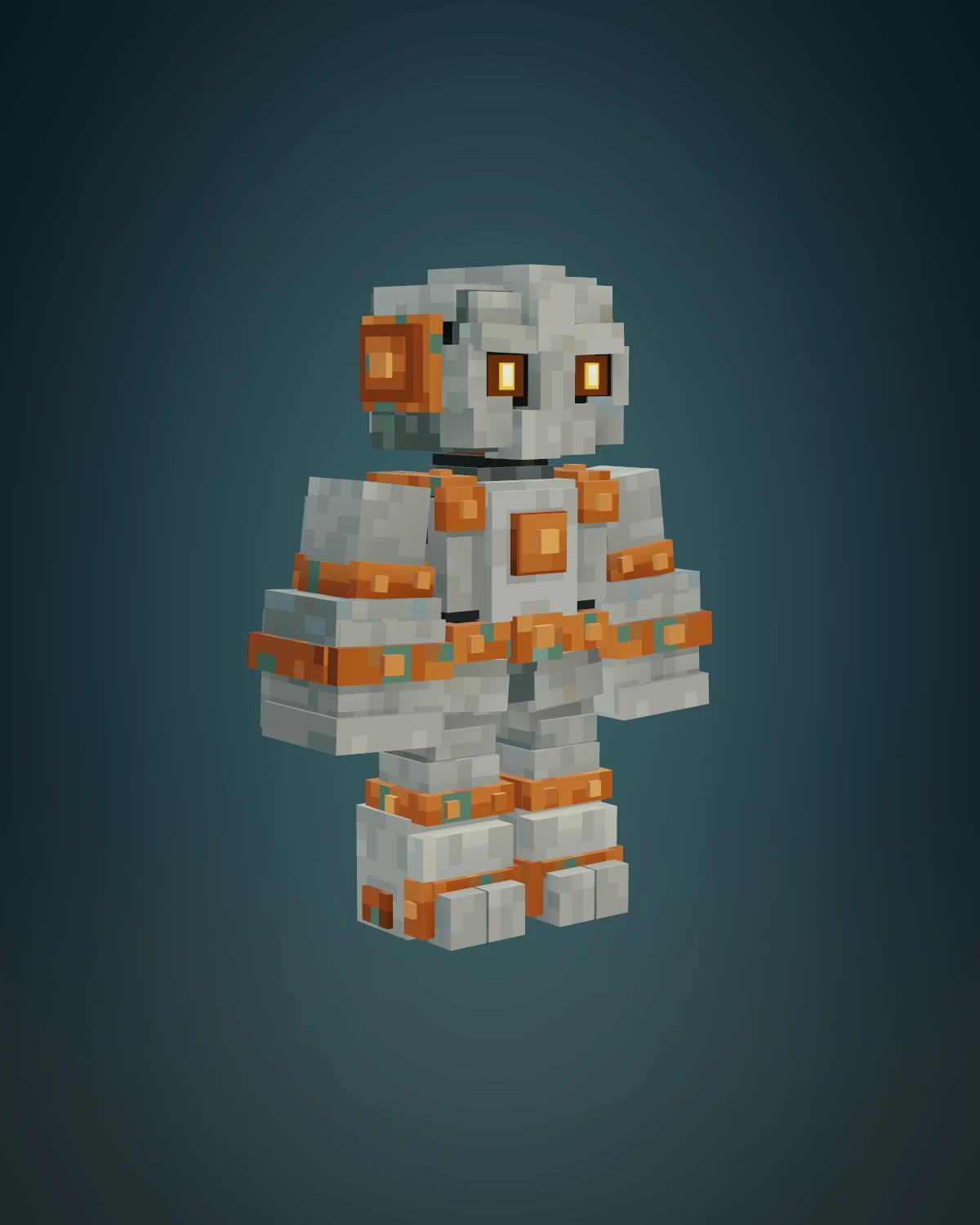
A new pair of hands. Made of stone.
The Builder pack brings those saved designs into survival. Put a blueprint in a schematic table, choose your design, and position its ghost. Then fill the connected supply chests. The table lists the blocks still needed, so you can see whether it’s another trip for timber or a few more panes of glass holding things up.
Once the materials are ready, press Start. A Mason Golem digs its way out of the ground beside the table and gets to work.
It fetches supplies from the chests, clears blocks that are in the way, and places the design piece by piece. Tools in the supply chests help it with the digging. For work it can’t reach from the ground, it builds temporary scaffolding. You can watch the walls rise while you decide what belongs inside them.
The golem uses the materials you gathered. The design still needs a place in your world. You’re still the one deciding what to build; there’s just someone else willing to make all those trips up the scaffolding.
And when the work is done?
The Mason Golem burrows back underground. The building stays. Furnish the rooms, move in the forge, or start plotting where the next house should go.
How the Golem gets it built
When we built the Creative Mode update, we had a clear end goal: implement schematics. Once that was done, we got excited. What if you could use those schematics in survival mode?
Sounds cheaty? We thought so too. But what if it didn’t have to be? We started jotting down the constraints players have to deal with. Gravity? Obviously. Mining speed? Yes. Having to aim at the block you want to place against, and face the right direction to get the rotation right? Yes and yes. Even when that meant headaches, iteration, and throwing away a lot of code.
A companion bound by the same laws of nature as the player is what made the Mason Golem meet our standards. We love making building more accessible to people who don’t consider themselves builders. But choosing mechanics that feel like cheating should be your decision, not ours.
Below, you can read how the Golem turns a schematic into a building, and how it decides what to do next.
Read the site.
The design is compared with the world, block by block. Anything already in the right place can stay. An obstruction becomes clearing work; an empty spot becomes building work. The table uses what’s left to work out which materials your supply chests still need.
Choose what comes next.
The Golem favors nearby work in the lower layers, but some blocks have to wait for others. A wall lantern needs its wall. A doorway may need to stay open until the work inside is finished. Following the plan means choosing an order that actually works.
Find a place to stand.
Before setting off, it looks for somewhere it can stand, see the job and reach it. It also checks the route back. Getting into a half-built house is only useful if you can get out again with the next armful of bricks.
Bring the blocks.
Materials come from your chests and travel to the job in the Golem’s hands. It clears and places blocks using the game’s building rules. Tools help with the digging; without them, it can use its fists. Stone knuckles are no substitute for a decent pickaxe.
Get up to the roof.
When the work is too high, it builds temporary scaffolding. From up there, it looks for more work within reach before climbing down. Every block it places changes the building around it, so the next decision has to account for the new wall, floor or awkward bit of roof.
Take the scaffolding down.
Once the building work is done, the Golem takes down its temporary supports and heads home. The table reports anything that still needs your attention. Then the builder burrows underground, leaving you to decide where the furniture goes.