Native by default.
The desktop client uses winit and wgpu. Camera-relative world rendering, fog, colored block light, model animation, weather passes, and UI all meet in one frame graph.
client → render / audioA practical look at Petramond’s Rust engine: how the world is simulated, how frames are rendered, and where your mods fit in.
The crate graph is the boundary. Presentation can depend on the deterministic world core; the world core never reaches upward into a renderer or window.
The desktop client uses winit and wgpu. Camera-relative world rendering, fog, colored block light, model animation, weather passes, and UI all meet in one frame graph.
client → render / audioGameplay mutation belongs to the fixed simulation tick. The client consumes neutral presentation snapshots and predicts the local interactions that need to feel immediate.
client ⇄ server simulationBlocks, items, shapes, recipes, chunks, light, and registries live below both gameplay and rendering. Mesh and generation workers operate without owning the live world.
worldgen / mesh → world core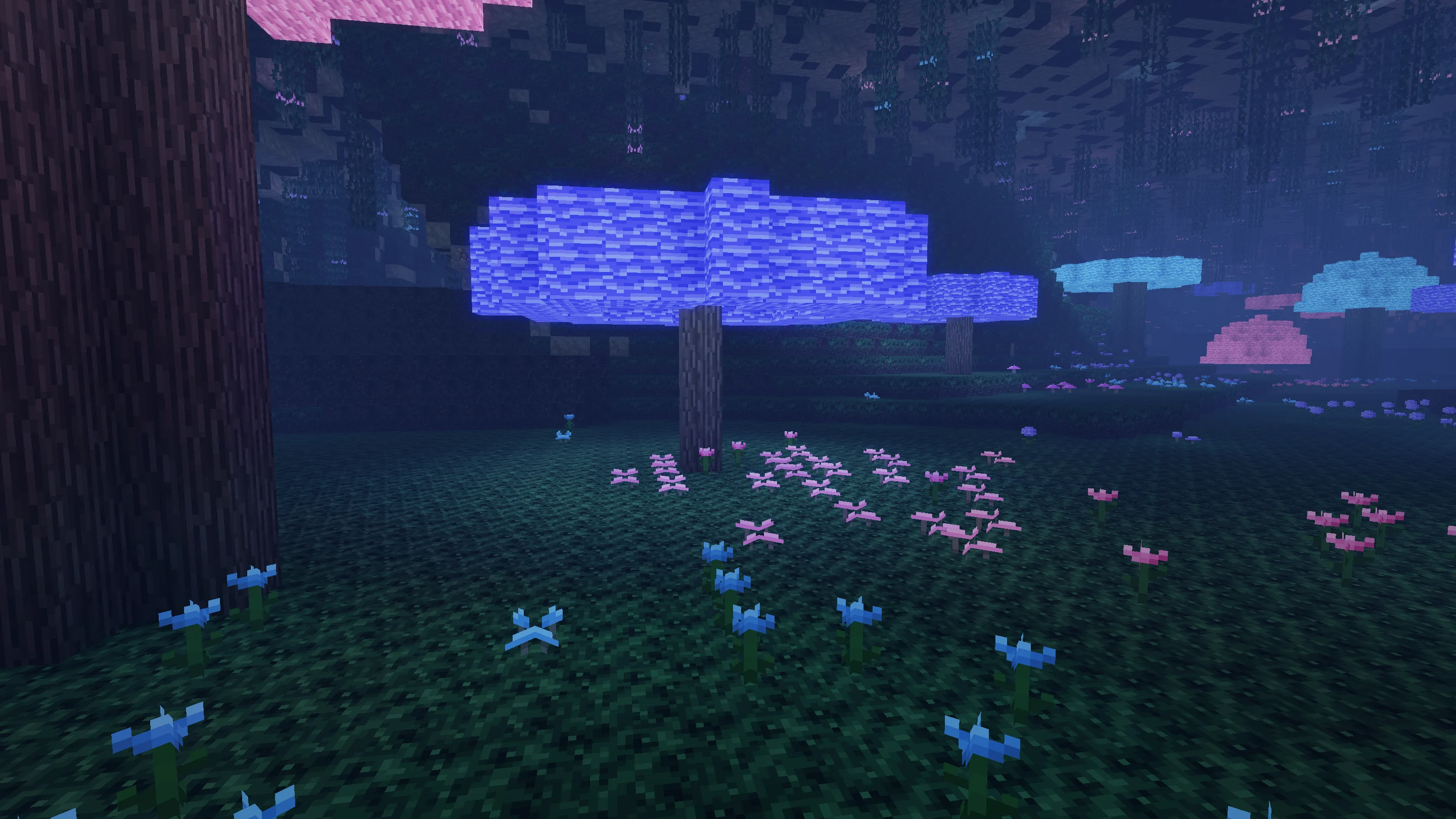
The landscape is the game. The lighting is art-directed.
The capture harness streams generated terrain, settles the game's custom shapes and meshes, and renders through a local copy of Petramond’s wgpu frame graph. These website images use screenshot-only lighting, atmosphere and color grading; they do not represent the default gameplay visuals.
The engine separates world data, simulation, and presentation so new content can grow without tying every system to every other one.
Sections stream above, around, and below the player instead of treating the world as a flat stack of columns.
Terrain, water, models, particles, weather, and post-processing run through a native GPU frame graph.
Defined ordering, seeded randomness, and an authoritative fixed tick keep gameplay state reproducible.
Mods use a bounded host API to add systems without receiving filesystem, wall-clock, or native process access.
Namespaced catalogs let packs add or refine blocks, items, recipes, mobs, sounds, models, and world features.
Generation, lighting, and meshing happen in worker pools; the render thread drains bounded results and keeps moving.
You need Rust stable and a desktop GPU/driver stack supported by wgpu.
Get the public source from GitHub.
Install the WASM target and compile the included mods.
Launch with a fresh world or a favorite seed.
$ git clone https://github.com/shinyvision/petramond
$ cd petramond
$ rustup target add wasm32-unknown-unknown
$ make mods
$ make run

# Start from a favorite seed
$ SEED=0x12345678 RD=24 make run